
Authentication
To access our API, you will need to provide an access key to authenticate with Intuitivo. All connections must be authenticated through assigned permissions and generated access keys.
️ Important
Your API key is considered sensitive business information and should be treated like a password.
Make sure you store the combinations in a secure location. Don't store or share your secret API key in places where people can easily view and use them. If you think your access key has been compromised, generate a new one.
Getting your API key
- You can create API keys for your account by clicking on the gear icon in the top-right corner of the screen. From the dropdown menu, select "Manage API Keys"

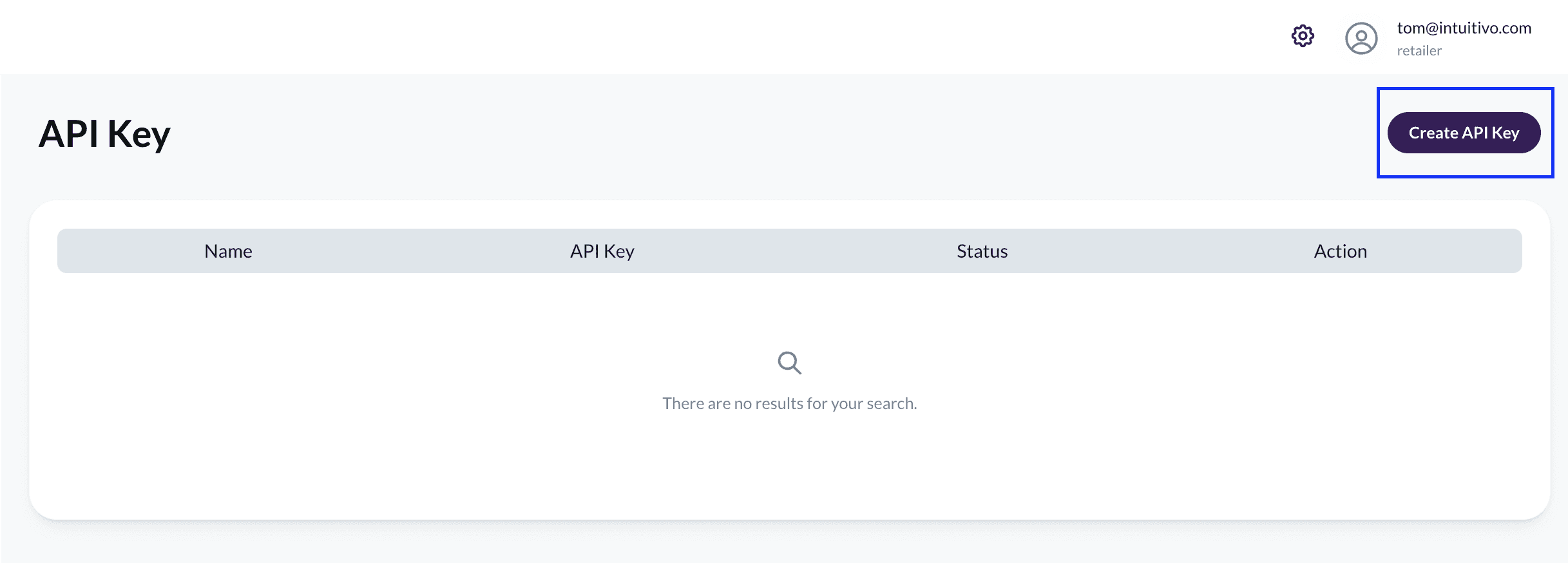
- click the "Create API Key" button.
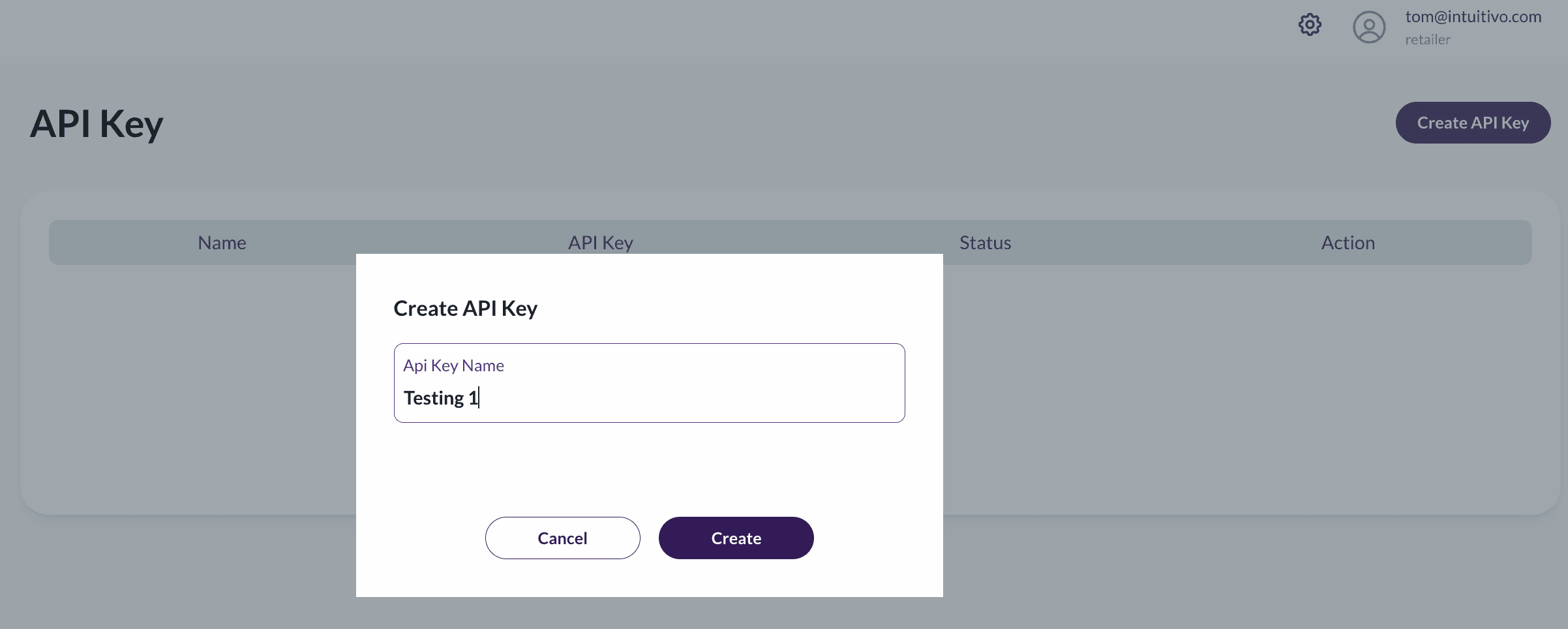
- Enter a name for your key and save it to generate an API key
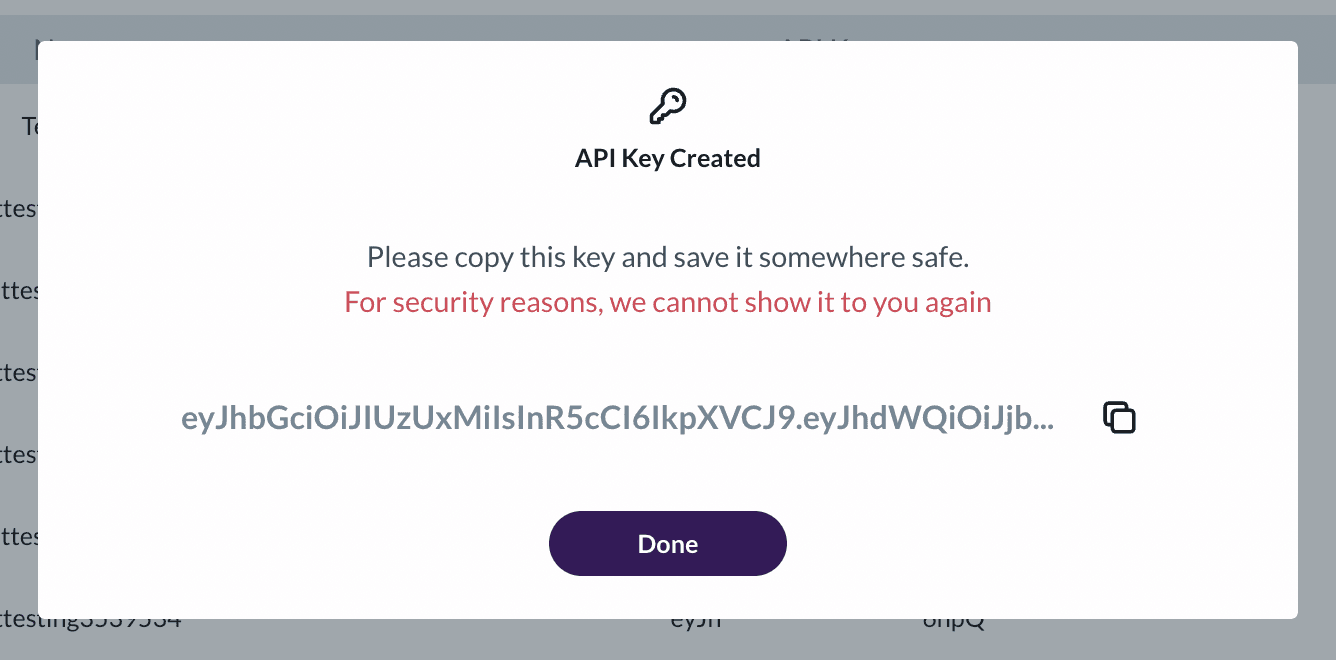
- Last Step! Copy the API Key created so you can use it to authenticate API requests.
To consider
For security reasons your API Key will be display only once
You can't delete an API Key once is created. You can only disable it.